| Return shipping will be paid by | Buyer |
|---|---|
| All returns accepted | Returns Accepted |
| Item must be returned within | 30 Days |
| Refund will be given as | Money Back |
| Item Width | 5 in |
| Country/Region of Manufacture | China |
| Refrigerant | R-600a |
| Year Manufactured | 2021 |
| UPC | 704529979853 |
| Gauge Purpose | Pressure |
| MPN | SMG-1H |
| Features | Digital |
| Gauge Fill | Dry |
| Color | Red |
| Vacuum Units | PSI |
| Brand | Elitech |
| Type | Gauge Only |
| Model | Elitech SMG-1H |
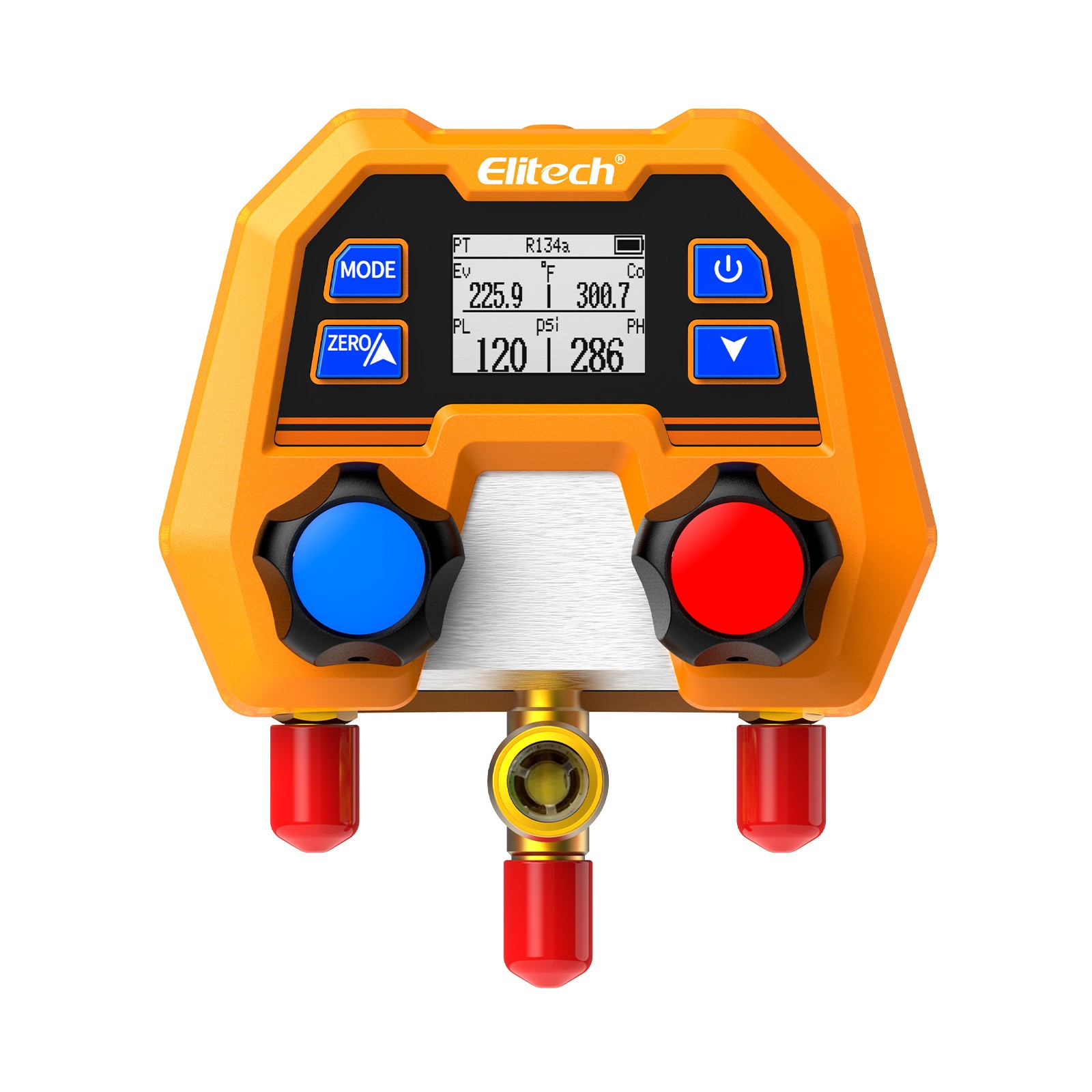
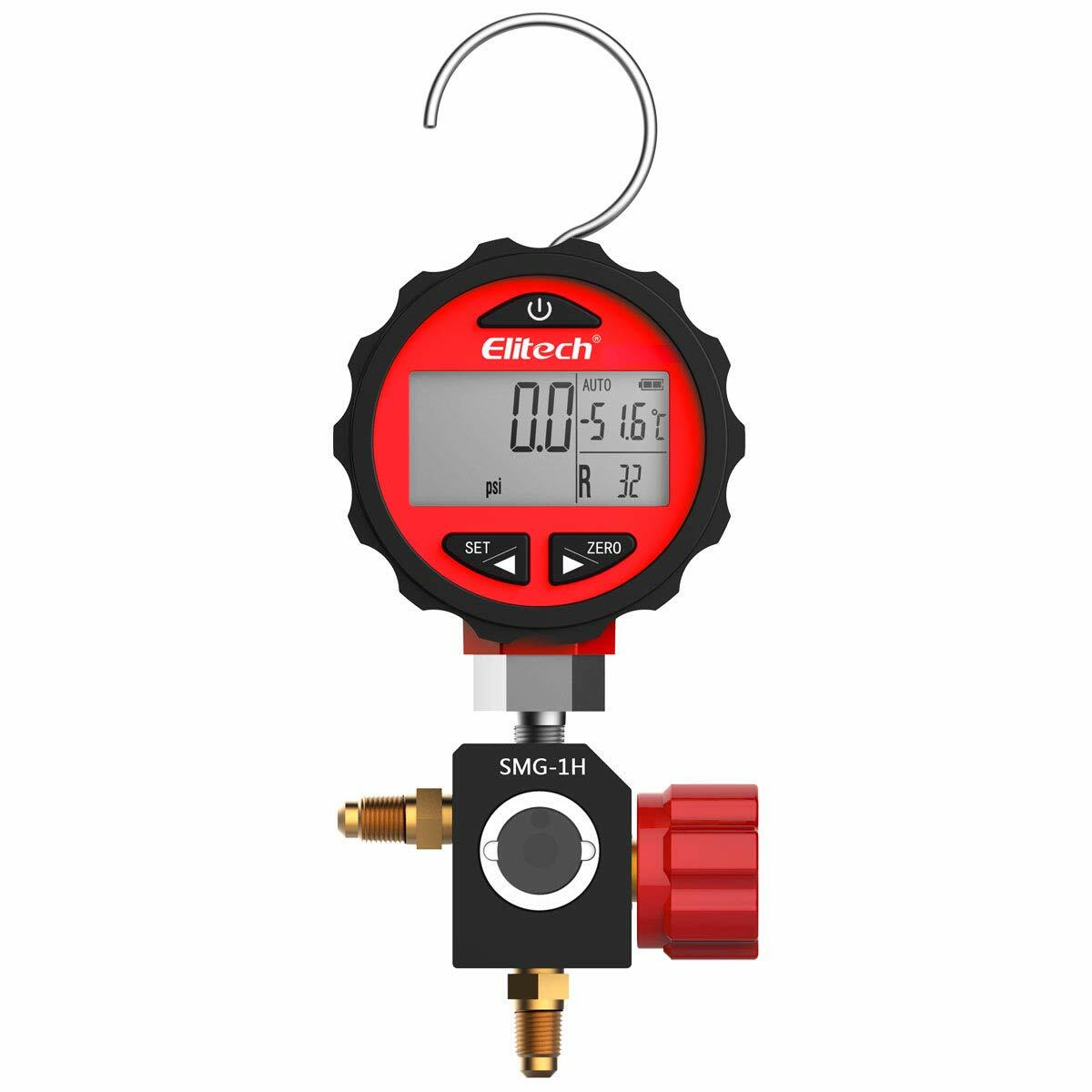
Check the listing for details. Elitech SMG-1H Refrigeration HVAC Digital Pressure Gauge Single Manifold Gauge. Color: Red, Condition: New. Listed at 79.99 USD. Elitech SMG-1H Refrigeration HVAC Digital Pressure Gauge Single Manifold Gauge Digital High Pressure Gauge SMG series are professionally digital gauges used for maintaining, monitoring and evacuating refrigeration systems and charging refrigerants. The gauges can measure system pressure and display various parameters such as the evaporation temperature of the corresponding refrigerant. They have a backlight, auto-off, unit switch, over-range alarm, and other functions. LCD Screen& Blue Backlight Display The pressure gauge's digital backlight display allows you to readout easily even in the night. Partition display for different measurements, direct readings for all measurements. Adjustable backlight off time: 3s,4s,5s,10s,15s or always on Selectable auto off time: 10min (default), 20min,30min,40min or disable Specifications Six units switchable: MPa, kPa, bar, psi, kg/cm², cmHg Pressure measuring range: -0.100 ~ 5.515MPa (-14.5-800 psi) Resolution: 0.5psi Accuracy: +0.5%FS Sampling Rate: 1s Temperature Unit: °C/°F Battery: 3 AAA batteries Battery Life: 6 months Note: When pressure is over measuring range: -OL- shows, backlight flashes, and ALM symbol lights. Please use the ZERO button to zero the gauge before connecting it to the system. The AUTO symbol will show on the screen if the Auto OFF function is enabled. Operation Backlight: When the gauge is ON, press the power button to light up the backlight. Max/Min Memory and Clear: Light up backlight and press power button to display MAX symbol & value, then hold ZERO button until 8888 shows on screen, to clear current Max value. When backlight is on, press power button twice to display MIN symbol & value, then hold ZERO button until 8888 shows on screen to clear the current Min value. Temperature Unit: Press and hold SET button until AUTO shows on screen. press power button once until C-F shows, then use SET or ZERO button to switch between ℃ and ℉. Pressure Unit: Press and hold SET button until AUTO shows on screen. press power button twice until UNIT shows, then use SET or ZERO button to switch between pressure units.
You may also like