| Restocking Fee | No |
|---|---|
| Return shipping will be paid by | Buyer |
| All returns accepted | Returns Accepted |
| Item must be returned within | 30 Days |
| Refund will be given as | Money Back |
| License Category | Commercial & Business Use |
| Minimum RAM | 2 GB |
| MPN | P73-08328DL |
| For Operating Systems | Server 2022 Standard |
| Brand | Windows |
| Type | Operating System |
| Format | Retail |
| Minimum Hard Drive Space | 20 GB |
| Language | English |
| Model | P73-08328DL |
| Minimum Processor Speed | 1.5 GHz |
| Country/Region of Manufacture | United States |
| Number of Devices | 50 Users |
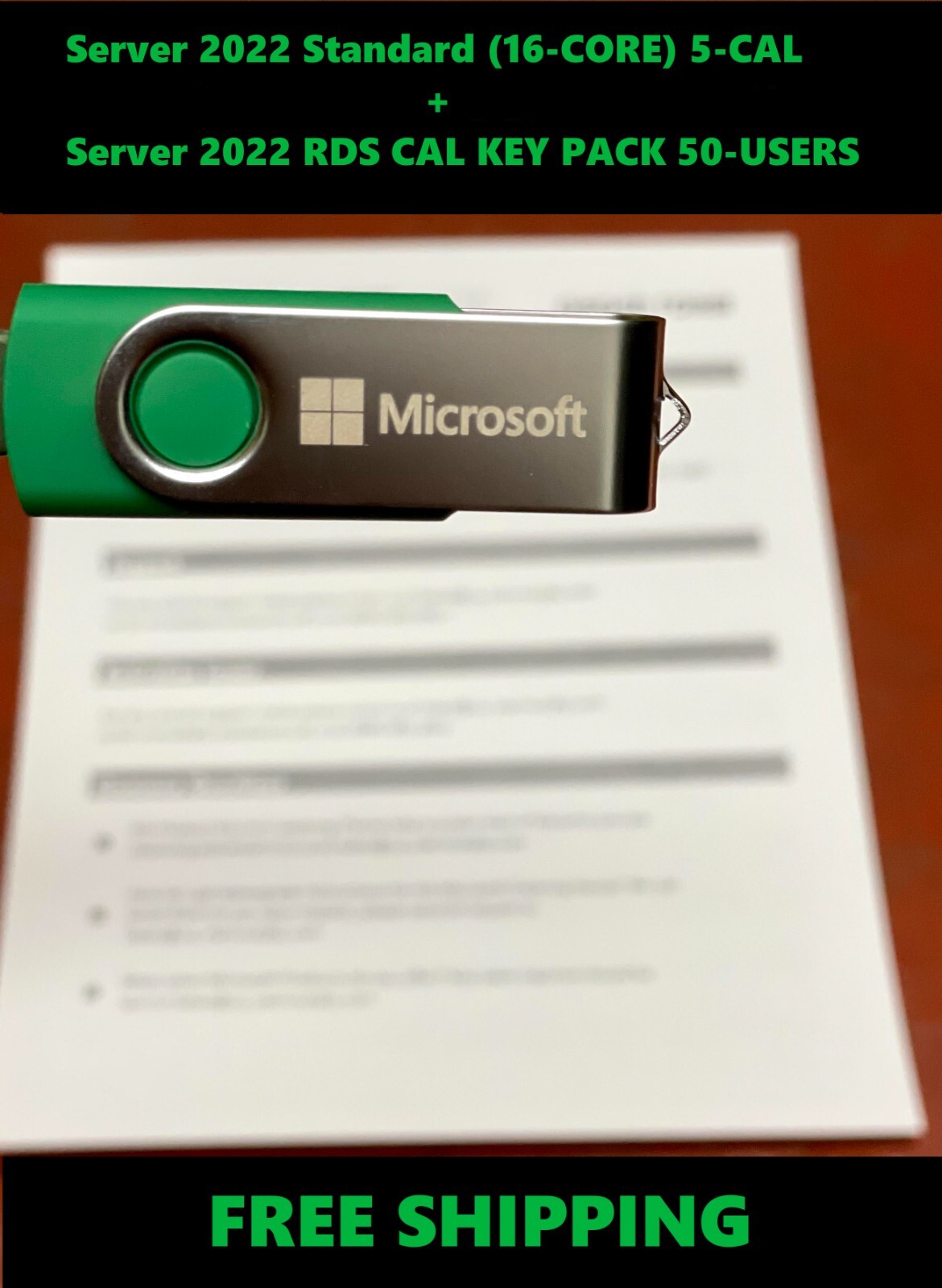
Check the listing for details. Windows Server 2022 Standard 16-CORE 5CAL w/ 50 RDS Remote Desktop RDP User CALs. Condition: Brand New. Listed at 511.98 USD. Physical Delivery via USPS Priority Mail Includes: 1 x Product Key for use on Server 2022 Standard (16-Core) 5-CAL Retail1 x Product Key for use on Server 2022 Standard Remote Desktop Services CAL KEY PACK 50 - Users EOL support to October 14, 2031 Compliance with all manufacturer and legal requirements Free FAST Priority Mail shipping includedWe’re here for you 24/7! Our support team is included with your purchase and always ready to help. 1. Key Features of Windows Server 2022 Standard:Security Enhancements:Secured-Core Server: Built-in hardware and firmware protection for stronger defense against security threats. It includes features like TPM 2.0, Secure Boot, and hardware-based isolation for critical code.Windows Defender Advanced Threat Protection (ATP): Real-time threat detection and prevention that provides comprehensive endpoint protection.TLS 1.3 Support: The latest version of the Transport Layer Security (TLS) protocol, improving encryption for data in transit.SMB Encryption: End-to-end encryption for file sharing, ensuring that data is always secured while in transit.Improved Windows Defender Antivirus: Continuous improvements to enhance virus and malware protection.Performance & Scalability:Hybrid Cloud Integration: Deep integration with Microsoft Azure services, like Azure Arc and Azure Automanage, to extend workloads into the cloud seamlessly.Storage Enhancements: Faster data access and more efficient storage management through technologies like Storage Spaces Direct and Storage Replica.Improved Networking: Enhanced support for modern network protocols such as HTTP/3 and better overall networking performance, ideal for modern cloud-based workloads.Windows Admin Center: A web-based management tool that allows administrators to configure, manage, and monitor their servers, both locally and remotely, through a user-friendly interface.2. Licensing: The 16-Cores and 5-CAL (Client Access Licenses) are key parts of the licensing model.16-Cores (Processor Licensing):Core-Based Licensing: Windows Server 2022 Standard uses core-based licensing, meaning you need to purchase licenses based on the number of processor cores in your physical server. The base license covers 16 cores. If the server has more than 16 cores, additional core licenses must be purchased in packs of 2.Virtualization: In the Standard edition, you can run up to two virtual machines (VMs) on the licensed server. This is ideal for businesses with low-to-medium virtualization needs.5-CALs (Client Access Licenses):Client Access Licenses (CALs) are required for each user or device that accesses the server.User CALs: Each CAL is assigned to a user, allowing them to access the server from any device.Device CALs: Each CAL is assigned to a device, allowing multiple users to access the server from that device. In this case, a purchase of 5 CALs is included with the Windows Server 2022 Standard 16-Cores license, meaning that five users or devices can access the server without needing additional CAL purchases. However, if you require more access, you can buy additional CALs.Virtualization Rights:Standard Edition: Provides rights to run two virtual instances (VMs) on the licensed hardware. If you need to run more than two VMs, you would need to upgrade to the Datacenter edition or purchase additional licensing.3. Supported Hardware Requirements: To run Windows Server 2022 Standard effectively, your hardware needs to meet certain minimum system requirements:Processor: 1.4 GHz 64-bit processor (single or multiple cores).RAM: Minimum of 2 GB, but recommended 4 GB or more for better performance.Disk Space: Minimum 32 GB of available storage (recommended 64 GB or more for better functionality).Network Adapter: At least one network adapter is required for network connectivity. Additionally, the system should support features such as Secure Boot, TPM 2.0, and other modern hardware security requirements to take full advantage of the Secured-Core capabilities.4. Virtualization Features: Hyper-V: Windows Server 2022 Standard supports Microsoft’s Hyper-V virtualization technology. This allows you to create and manage virtual machines (VMs) on your server. The Standard edition allows you to run up to two virtual instances of the server itself, in addition to the physical server, which is useful for small-scale virtualized workloads. Containers: Windows Server 2022 enhances container support, including Windows and Linux containers, and integrates with Kubernetes for container orchestration. However, the containerization capabilities in the Standard edition are more limited compared to the Datacenter edition.5. Deployment and Management:Active Directory (AD): Windows Server 2022 Standard provides robust Active Directory management features, such as Group Policy, user authentication, and centralized access control, to manage user access across an organization.Server Core: You have the option of deploying Server Core, a minimal installation that reduces the attack surface by not including a graphical user interface (GUI). This helps improve performance and security.GUI (Desktop Experience): If you prefer a more traditional desktop interface, the Server 2022 Standard edition also allows for the GUI version, though this consumes more resources.6. Use Cases and Ideal Deployment Scenarios:Small to Mid-Sized Businesses: The Standard edition is perfect for organizations that do not require large-scale virtualization or a high number of VMs.File and Print Services: It’s ideal for managing file shares, print servers, and traditional server roles for departments or small groups.Hybrid Cloud Solutions: Windows Server 2022 seamlessly integrates with Microsoft Azure for cloud and hybrid workloads. It’s well-suited for businesses leveraging both on-premises and cloud-based applications and services.Remote Desktop Services (RDS): It can support running Remote Desktop Services (RDS) to provide remote desktop access to users.7. Conclusion: Windows Server 2022 Standard 16-Cores 5-CAL is a powerful, versatile server solution aimed at small to medium-sized businesses. It offers robust security, high performance, and hybrid cloud capabilities, all while ensuring a flexible, core-based licensing structure. This edition is perfect for businesses looking to operate with limited virtual machine needs, leverage cloud integration, and run traditional server workloads with a focus on reliability and security. For organizations with more extensive virtualization needs, the Datacenter edition may be more appropriate, but for many businesses, the Standard edition provides all the necessary features at a lower cost. 1. Overview of Remote Desktop Services (RDS) Remote Desktop Services (formerly known as Terminal Services) enables users to remotely access desktop environments, applications, or both hosted on a central Windows Server. This service is used by businesses to allow users to run applications or access desktops from remote locations or devices, making it especially valuable for organizations with remote workers or distributed teams. Key components of RDS include:Remote Desktop Session Host (RDSH): This allows multiple users to log into a server simultaneously to access desktops or applications. It's the main role used for providing RDS functionality.Remote Desktop Gateway (RD Gateway): Provides secure remote access to internal resources by using SSL (Secure Sockets Layer) over HTTPS.Remote Desktop Web Access (RD Web Access): Allows users to access remote desktops and applications via a web browser.Remote Desktop Licensing (RD Licensing): Manages the licensing of RDS client access for users or devices connecting to RDS.Remote Desktop Virtualization Host (RD Virtualization Host): Provides virtual desktop infrastructure (VDI) for users, enabling the use of virtual desktops rather than full physical desktops.2. What Are RDS CALs? RDS CALs (Client Access Licenses) are required for each user or device that connects to a Remote Desktop Services server. RDS CALs come in two forms:User CALs: A license assigned to a specific user, allowing that user to access the server from any device.Device CALs: A license assigned to a specific device, allowing any user to access the server from that device. The 50 User CAL Key Pack refers to 50 User CALs, meaning that 50 individual users are licensed to access the Remote Desktop Services feature on the server. Each User CAL in the 50-user pack allows a user to access the server from any device (e.g., desktop, laptop, tablet, or smartphone). If a user needs to access the server from multiple devices (e.g., their office desktop and their laptop at home), only one User CAL is required for that user.3. Key Features of Windows Server 2022 RDS CAL Key Pack 50 Usersa. Multi-Device Access for UsersWith User CALs, a licensed user can access Windows Server 2022 remotely from any device. This is ideal for users who need to switch between multiple devices for remote work or access.Allows flexibility for employees or contractors who work from various locations, including home offices, satellite offices, or while traveling.b. Secure Remote AccessRDS provides encrypted remote access to desktops and applications. With features like RD Gateway, user data is securely transmitted over the internet, allowing users to connect securely to corporate resources from virtually anywhere.Secure login and multi-factor authentication (MFA) can be configured to further strengthen the security of remote sessions.c. Centralized ManagementRemote Desktop Services allows IT administrators to manage and update applications and desktops centrally, rather than having to maintain separate instances on individual user devices.Through Remote Desktop Licensing Manager, administrators can easily track and manage the licenses and usage of RDS CALs.d. Access to Full Desktops or Individual AppsUsers with RDS CALs can access a full remote desktop (via Remote Desktop Session Host) or individual remote applications (via RemoteApp) depending on what is configured on the RDS server.This flexibility is ideal for businesses that want to offer employees access to a corporate desktop environment or specific apps remotely.e. Virtual Desktop Infrastructure (VDI) SupportFor organizations using VDI, RDS CALs can be used with Remote Desktop Virtualization Host to provide virtual desktops (VDI) that users can access remotely.VDI offers a more personalized experience where users get their own desktop environment, which can be customized to their preferences.4. Licensing Model: User CALs vs. Device CALs This 50 User CAL Key Pack provides 50 User CALs, which means:50 individual users within the organization can access the RDS server from any device.User CALs are a better choice for organizations where employees use multiple devices or for employees who work in flexible environments, such as remote or mobile workers. In contrast, if you had opted for Device CALs, each of your 50 devices would be licensed to allow any number of users to connect to the server from that specific device. However, User CALs tend to be more flexible, as they are not tied to a specific device.5. Required Components for RDS CALs In addition to purchasing the 50 User CAL Key Pack, the following components must be in place to use RDS in your organization:Windows Server 2022 with the Remote Desktop Services role installed.RDS Licensing Server: A Remote Desktop Licensing Server needs to be set up to manage and issue RDS CALs.RDSH (Remote Desktop Session Host) or VDI infrastructure: These roles are necessary for delivering remote desktops or applications.6. Use Cases for RDS CAL Key Pack 50 Users This RDS CAL Key Pack is particularly useful for:Remote Work Environments: For businesses with remote employees or contractors who need to access company resources securely from any location or device.BYOD (Bring Your Own Device) Environments: Employees using their own devices (laptops, tablets, or smartphones) to connect to corporate servers.Small to Medium-Sized Enterprises (SMEs): Businesses that want to provide secure remote access to a limited number of users without the need for large-scale virtual desktop infrastructure.Education and Training: Schools or training centers that need to provide students or trainees with access to specific applications or training environments remotely.IT Managed Services: Managed IT providers offering remote desktop services to multiple clients.7. RDS CAL ManagementLicense Activation: RDS CALs need to be activated through the Remote Desktop Licensing Manager, a tool included with Windows Server. The CALs are issued digitally, and the licensing server must be activated before assigning CALs to users.License Compliance: It’s crucial to maintain compliance by ensuring that your organization has sufficient CALs for the number of users/devices connecting to the RDS infrastructure. This means you should always track and manage the number of CALs being used.8. Conclusion The Windows Server 2022 Remote Desktop Services CAL Key Pack (50 Users) is an essential product for organizations that need to provide remote access to their Windows Server environment. It gives 50 users the ability to securely connect from any device, offering flexibility for modern, remote, or hybrid work environments. This package is ideal for businesses looking to enable secure, managed remote desktop sessions or application access for a specific number of users without being tied to device-specific licenses.Key Benefits:Flexibility: Each licensed user can connect from any device.Secure Remote Access: Encrypted, secure access to company resources.Centralized Management: Simplified management of remote desktop access.Scalability: Ability to scale up by purchasing additional CALs as your workforce grows. Whether your users are remote workers, traveling employees, or accessing the system from multiple devices, this RDS CAL Key Pack ensures that your organization is well-equipped to handle remote desktop needs efficiently and securely.
You may also like