| Return shipping will be paid by | Seller |
|---|---|
| All returns accepted | Returns Accepted |
| Item must be returned within | 30 Days |
| Refund will be given as | Money Back |
| Brand | Teslong |
| Camera Probe | Auto Focus Camera Probe |
| Accessories | Hook, Magnet, Mirror |
| Length | 5M |
| Shaft Type | Semi-Rigid |
| Product | USB Endoscope |
| MPN | NTC125 |
| Features | Adjustable LED Lights |
| Diameter | 12.5mm |
| Camera Resolution | 5.0 Megapixel HD |
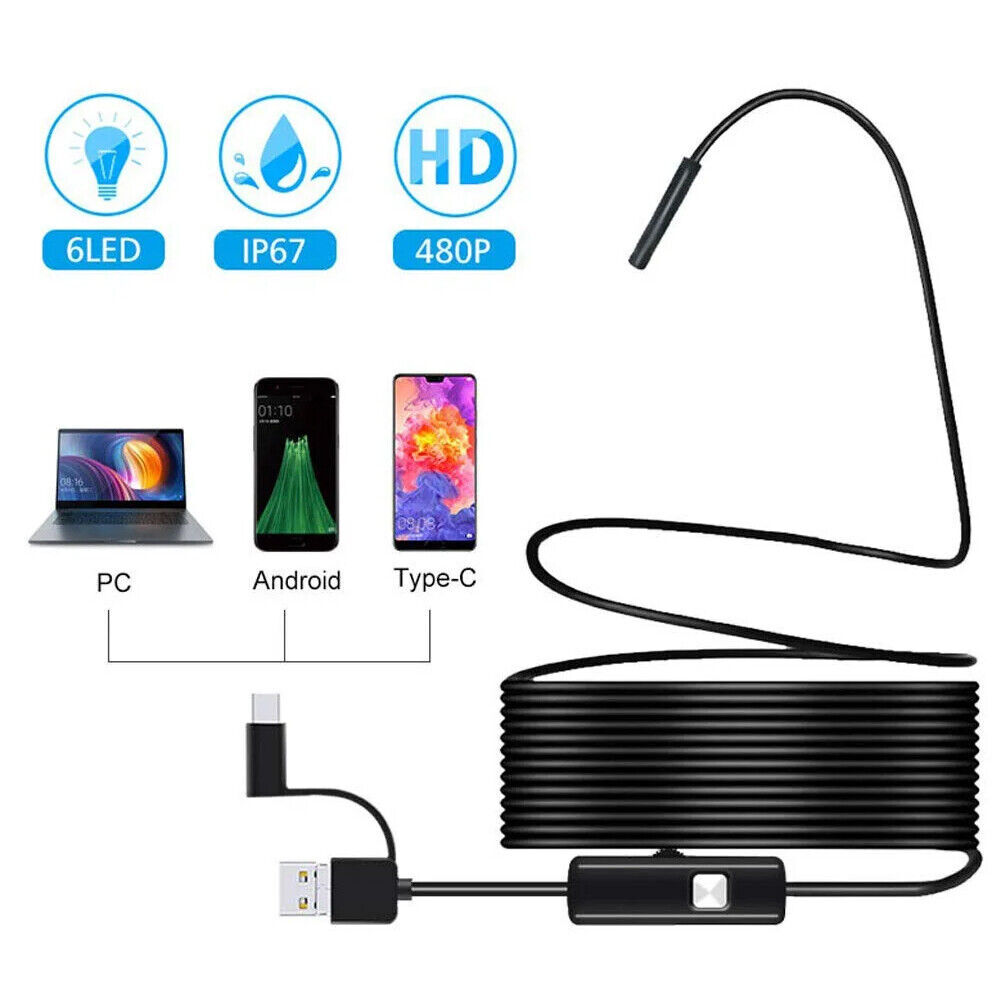
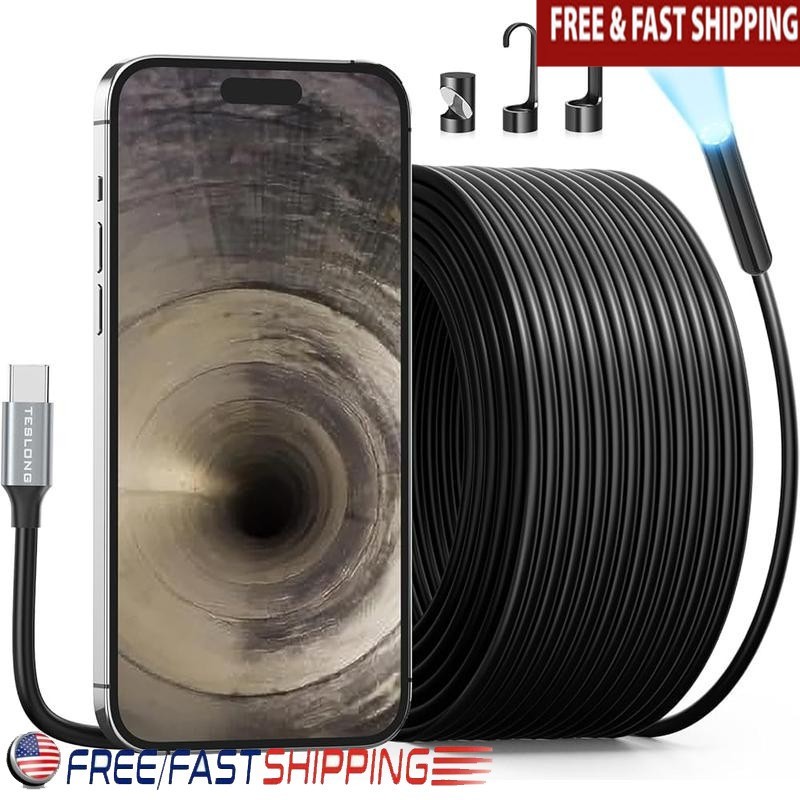
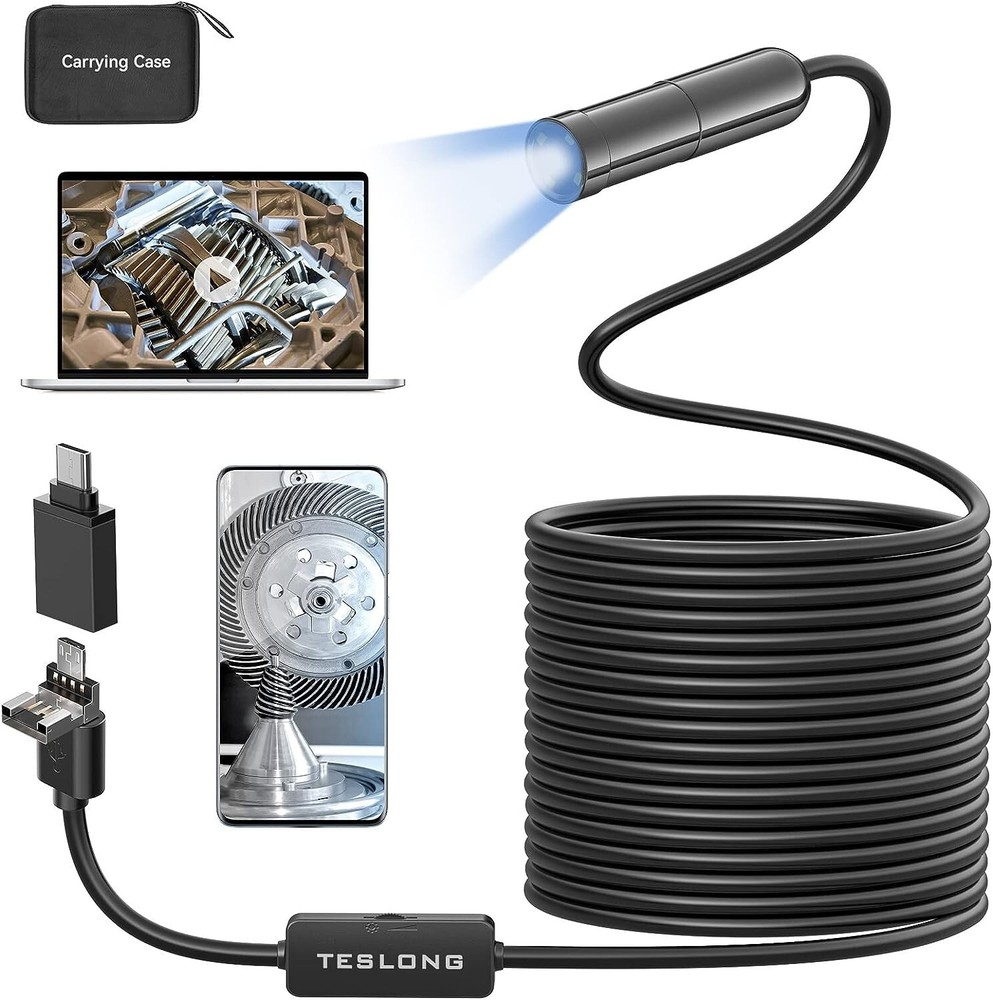
Check the listing for details. 5.0MP HD USB Borescope Inspection Camera Auto-Focus Endoscope for Android. Condition: New. Listed at 49.99 USD. 【3rd USB Endoscope & 5.0MP HD Pixels】Built-in 5.0 megapixel ultra HD module, showing clearer effect than 1080p or 720p, making every details of the detection show, such as carbon residue in the engine, rust in the pipe, plaque on the wall, pins on the chip.【Endoscope Probe With Autofocus Camera】 - Unlike the fixed focal camera of the traditional endoscope, the NEW auto focus endoscope camera clearly displaying the real-time target image from far to near like phone camera - Always The BEST Depth Of Field! - No longer wasting time and effort to adjust the proper focal length!【 Easy to Connect & Wide Compatibility】- With USB, Micro-USB, Type-C Connector. This endoscope can be used with Android smartphones with OTG function, Windows PC, and MacBook.【16.5ft Semi-Rigid Cable With Adjustable Lights】 - Can be folded to different shapes and reach deep inside the inspection areas. Effective for automotive, HVAC, plumbing, house check, electrical maintenance, industrial, sewer, chimney inspection,etc. Solve Your Work & Life Problems!【What's in The Box】- An auto focus endoscope , Useful Accessories(Mirror, Hook, Magnet), Carrying case, User Manual. Teslong worry-free warranty and friendly customer service. More FeaturesReal Pictures at Different Viewing DistancesTarget Distance: 2cmTarget Distance: 5cmTarget Distance: 5mTarget Distance: 30mFor Android -Micro USB:[Endoscope camera][USB Camera]For some Android devices,if there is nothing in the preview area, please go into Android Settings | Permissions | Storage Permissions | and enable Teslong Camera.For Android -Type-C:[Endoscope camera][USB Camera]For some Android devices,if there is nothing in the preview area, please go into Android Settings | Permissions | Storage Permissions | and enable Teslong Camera.For Windows &Mac:[Windows Camera]—The built-in Camera software of Windows10.[Endoscope camera][Photo Booth][QuickTime Player][Amcap]
You may also like