| Restocking Fee | No |
|---|---|
| Return shipping will be paid by | Buyer |
| All returns accepted | Returns Accepted |
| Item must be returned within | 30 Days |
| Refund will be given as | Money back or replacement (buyer's choice) |
| Maximum Video Resolution | 720P |
| Color | Black |
| MPN | Does not apply |
| California Prop 65 Warning | Not Applicable |
| Brand | Anivia |
| Unit Type | Unit |
| Manufacturer Warranty | 1 Year |
| Model | W201 |
| Connectivity | USB-C |
| Frame Rate | none |
| Features | Built-in Microphone |
| Maximum Photo Resolution | 720P |
| Country/Region of Manufacture | China |
| Unit Quantity | 1 |
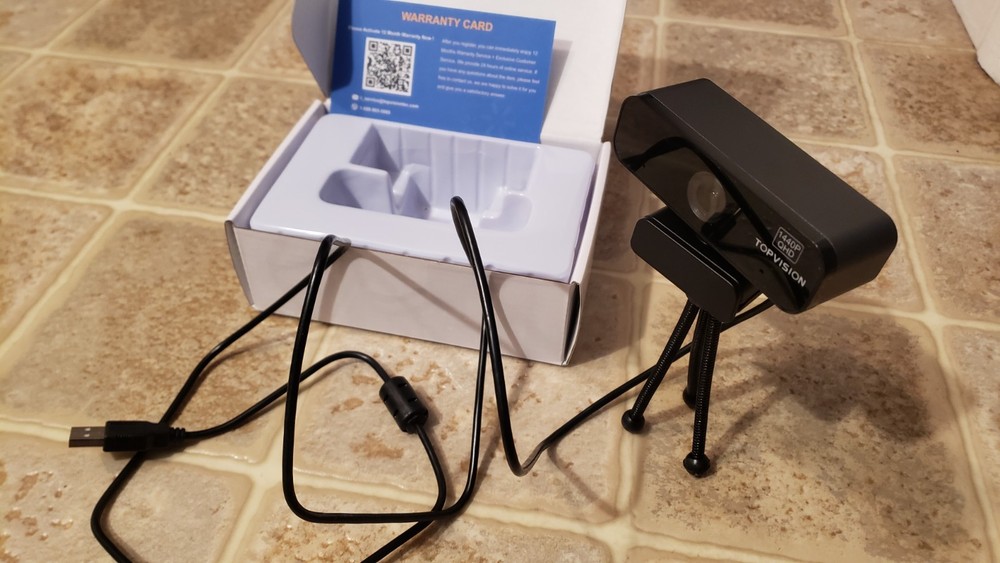
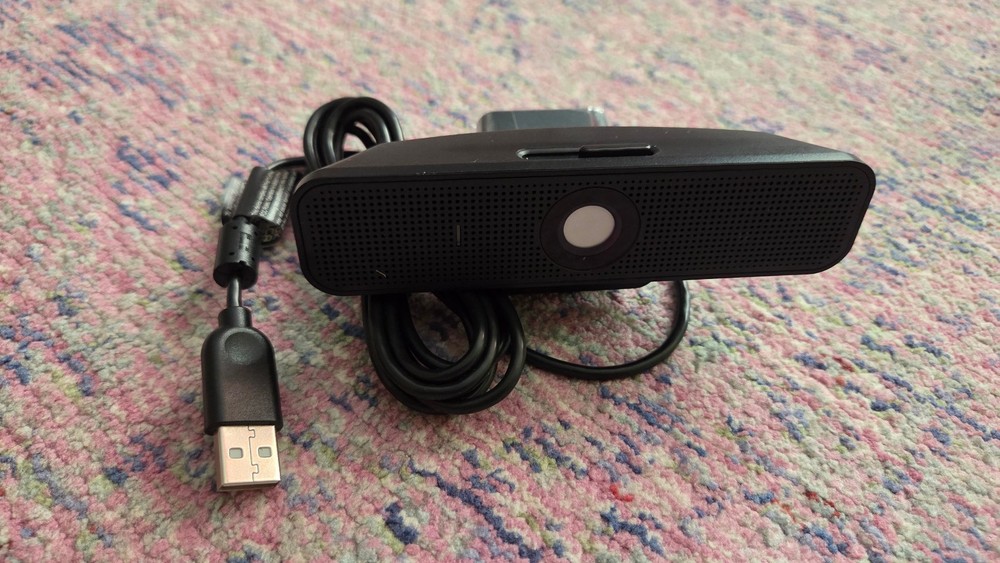
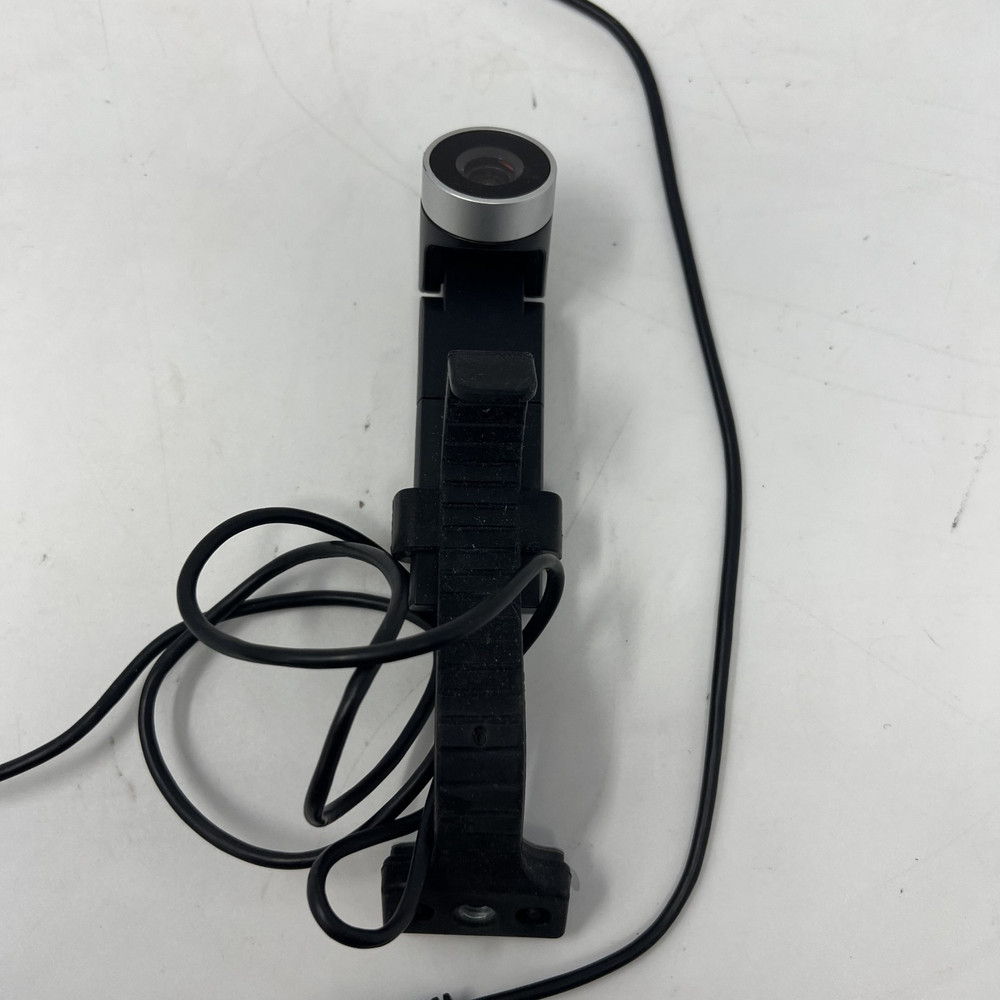
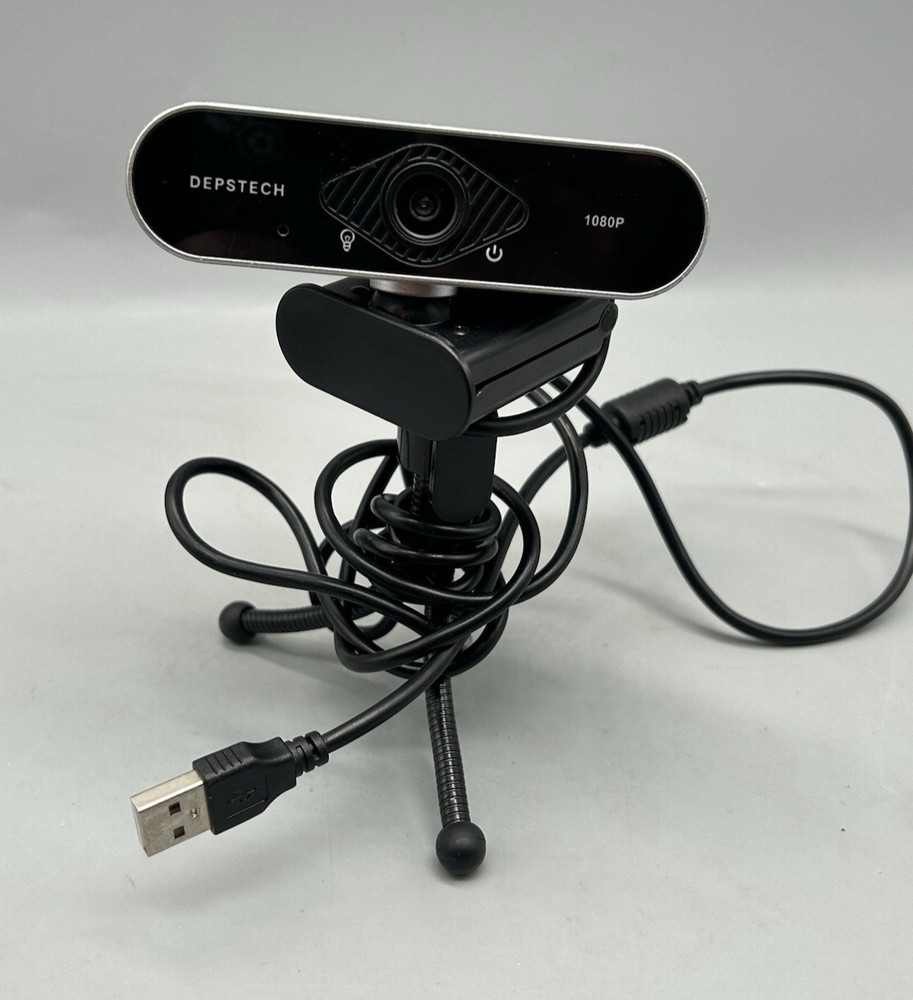
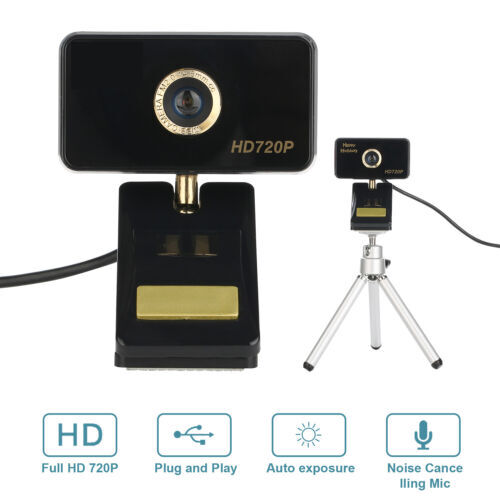
Check the listing for details. 720P HD Webcam with Microphone USB Streaming Web Camera for PC/Computer/Desktop. Color: Black, Condition: New. Listed at 16.99 USD. Ergonomic design: multi-point force divider head beam, suitable for players to fight for a long time. 15 degree free reverse split earmuffs, alleviating the pressure of various head types and improving wearing comfort. 50mm high-fidelity neodymium magnetic speaker with high sound sensitivity and is suitable for various game ranges. 3.5mm interface can be used directly for mobile phone calls. High quality leather earmuffs, soft, comfortable and breathable. High-fidelity large dynamic microphone to ensure smooth team communication and communication. Advanced fashion wire, durable and stretch resistant, effectively reducing the resistance caused by the outside world. Equipped with chariot-style remote control, it is convenient for the player to control any hand, which is more convenient in the game. USB 2.0, plug and play Compatible with Windows XP (SP2 or Over), Windows Vista, Windows 7 (32-bit or 64-bit) or Windows 8. Also supports Android TV. Built-in mic with noise reduction, your voice can be clearly caught within 8 meters, no need to get close to the camera. Installation instructions: 1. Place your webcam: Designed for the kind you want to make a video call, Place your webcam on your computer,TV,desktop. 2. Connect Webcam 3. Software installation: Driver-free installation,Plug and play. Wait a minute and the Webcam is automatically installed. Important: Please make sure your device is connected to the network Is microphone defective? Troubleshooting Methods: 1. Turn off the microphone of the computer 2. Mount the webcam on your computer 3. Find the local recording function of your computer and use the camera's microphone to record. Play after recording. If it can play normally, there is no problem with the microphone of the camera. Otherwise, the microphone of the camera is defective. Package: 1 * USB 1080P Webcam (with 1.8M USB Cable) 1 * User Manual
You may also like