| Restocking Fee | No |
|---|---|
| Return shipping will be paid by | Buyer |
| All returns accepted | Returns Accepted |
| Item must be returned within | 30 Days |
| Refund will be given as | Money back or replacement (buyer's choice) |
| Non-Domestic Product | No |
| Brand | Canonical Ubuntu |
| Type | Operating System Linux |
| Format | 1 DVD |
| Platform | Linux |
| Minimum Hard Drive Space | 10 GB |
| License Category | Unlimited Use |
| Country/Region of Manufacture | United States |
| Number of Devices | Unlimited |
| Modified Item | No |
| Operating Systems | Ubuntu |
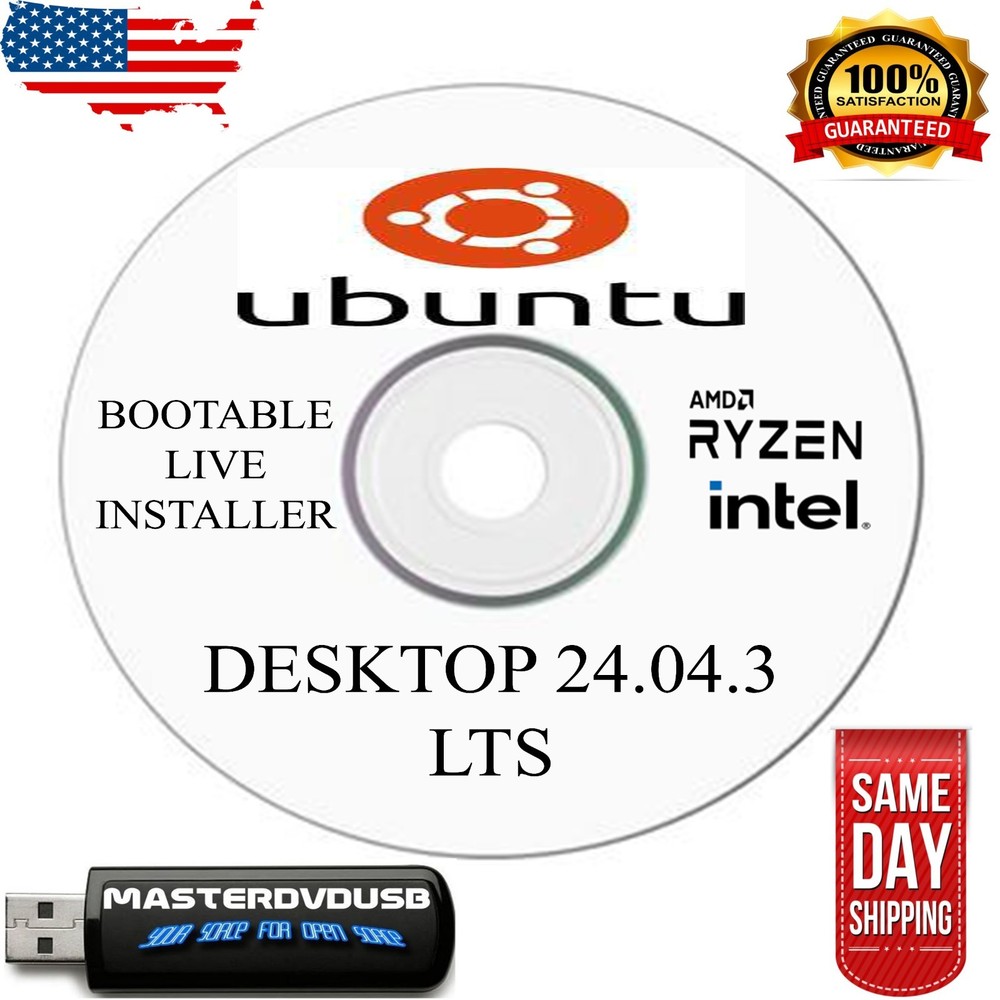
Check the listing for details. Ubuntu Linux 16.04 32 bit DVD Great for older Laptops and PCs!!. Condition: Brand New. Listed at 10.49 USD. 32 Bit Install DVD Ubuntu 16.04 You can use this DVD on as many Computers as you want. If you have an old laptop or PC that doesn't run well, this is what you need. Install Ubuntu and run the free programs that come with it and give your old laptop some life. You can try before you install from the DVD and then install it either in addition to windows or install over windows. No worries from viruses, and have a free libre or Apache open office that run all the windows office programs. Check your PC to see which version you need. Older PC's with less than 2 gig memory should get 32 Bit version 16.04. Easy Install 1. Set Bios start-up order to boot from DVD first2. Insert DVD and restart PC.3. Follow the options you wish to install. You have several choices on how to install. 1. you can try it without installing 2. You can totally replace windows and install on hard drive. This will reformat your hard drive and erase your windows. 3. You create a separate install and keep windows, then run which one you wish to run. This creates a partition on your hard drive just Ubuntu. When you start your PC it will ask which way you wish to bootup. Take advantage of all the free software available for Ubuntu. If you have an older machine that is a 32 bit machine you need to use Ubuntu. Please make sure which version you need. After you install it, you can run the updates that are available from Ubuntu. When installing make sure to put in your wifi information so it will get the Updates that are available.
You may also like