| Brand | Unbranded |
|---|
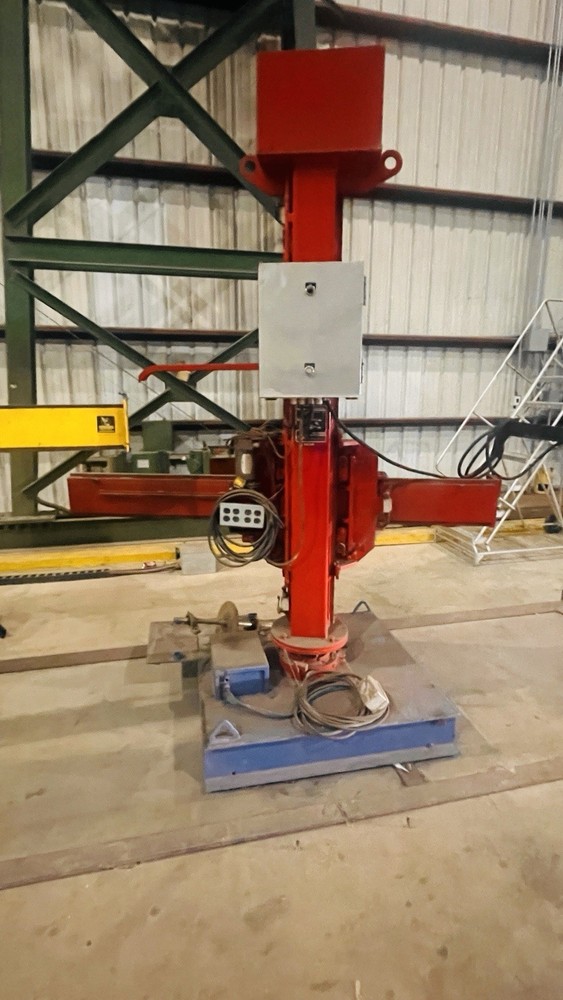
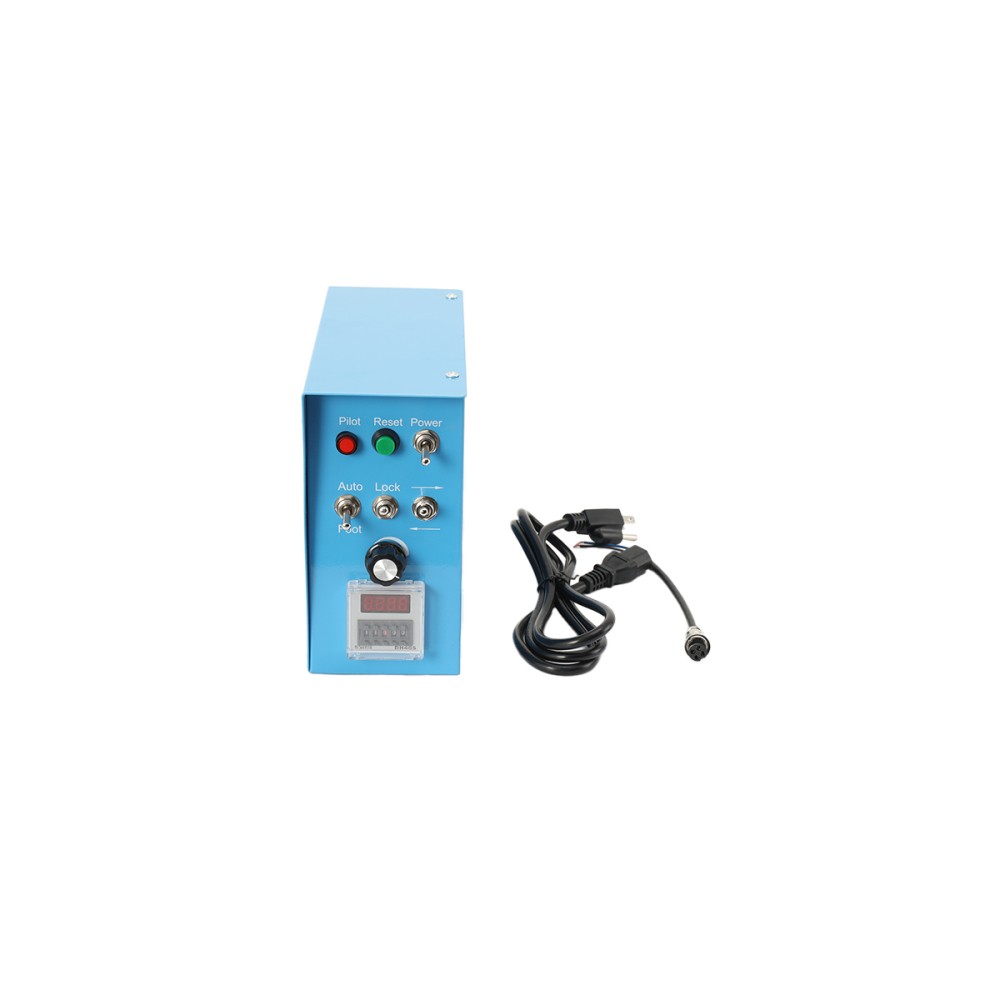
Check the listing for details. Welding Positioner Control BoxWelding Control BoxPositioner Control Box. Condition: New. Listed at 152.00 USD. 1. Connect the power supply. Turn on the "POWER" power switch; the power indicator light will illuminate. 2. In "FOOT" control mode, press and hold the foot switch; the worktable will rotate. Release the foot switch; the worktable will stop rotating. In "AUTO" control mode, the machine enters automatic or time-controlled mode. 3. Turn the direction switch to "→"; the worktable will rotate clockwise. Turn it to "←"; the worktable will rotate counter-clockwise. 4. The "SPEED" speed adjustment knob changes the worktable speed. Clockwise rotation increases the speed; counter-clockwise rotation decreases the speed.
You may also like